What Is Motion Control AI and How Does It Work?
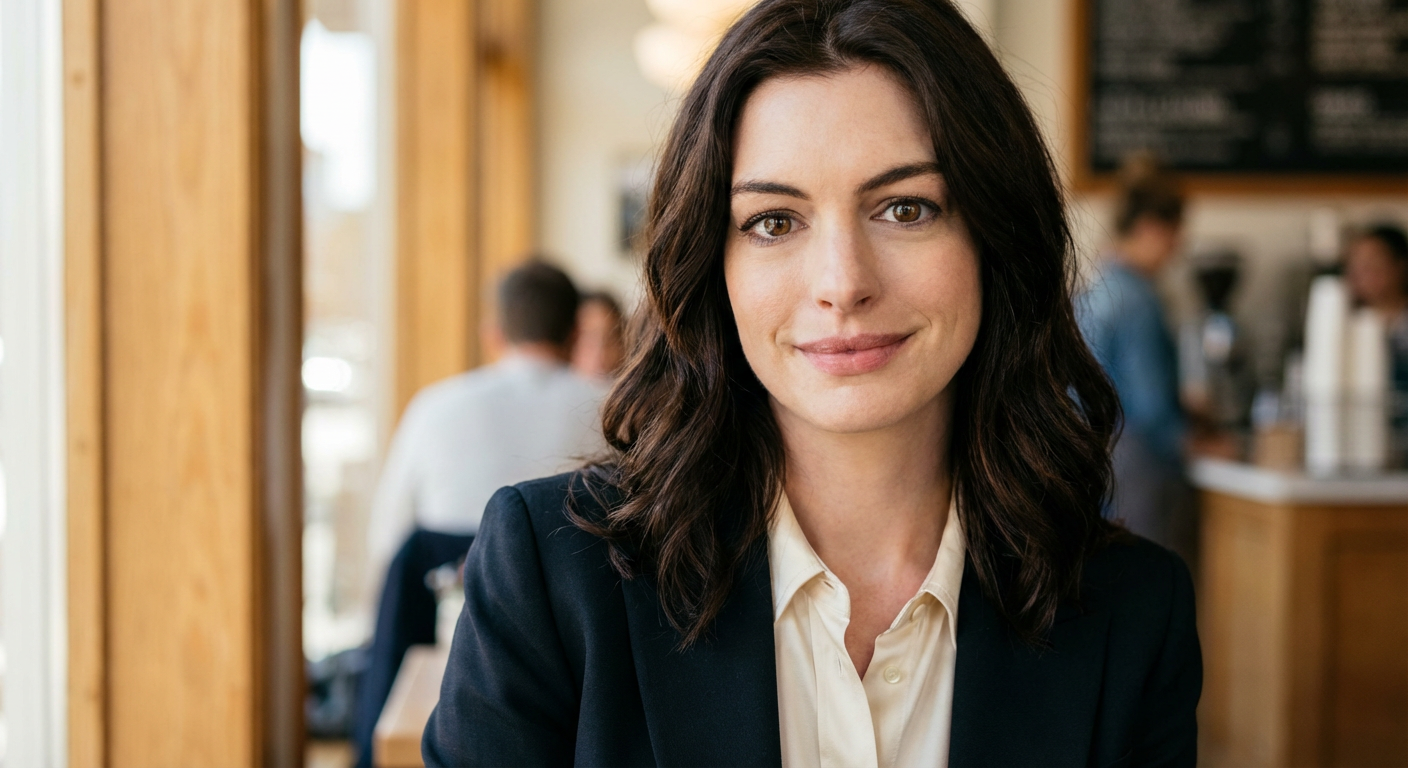
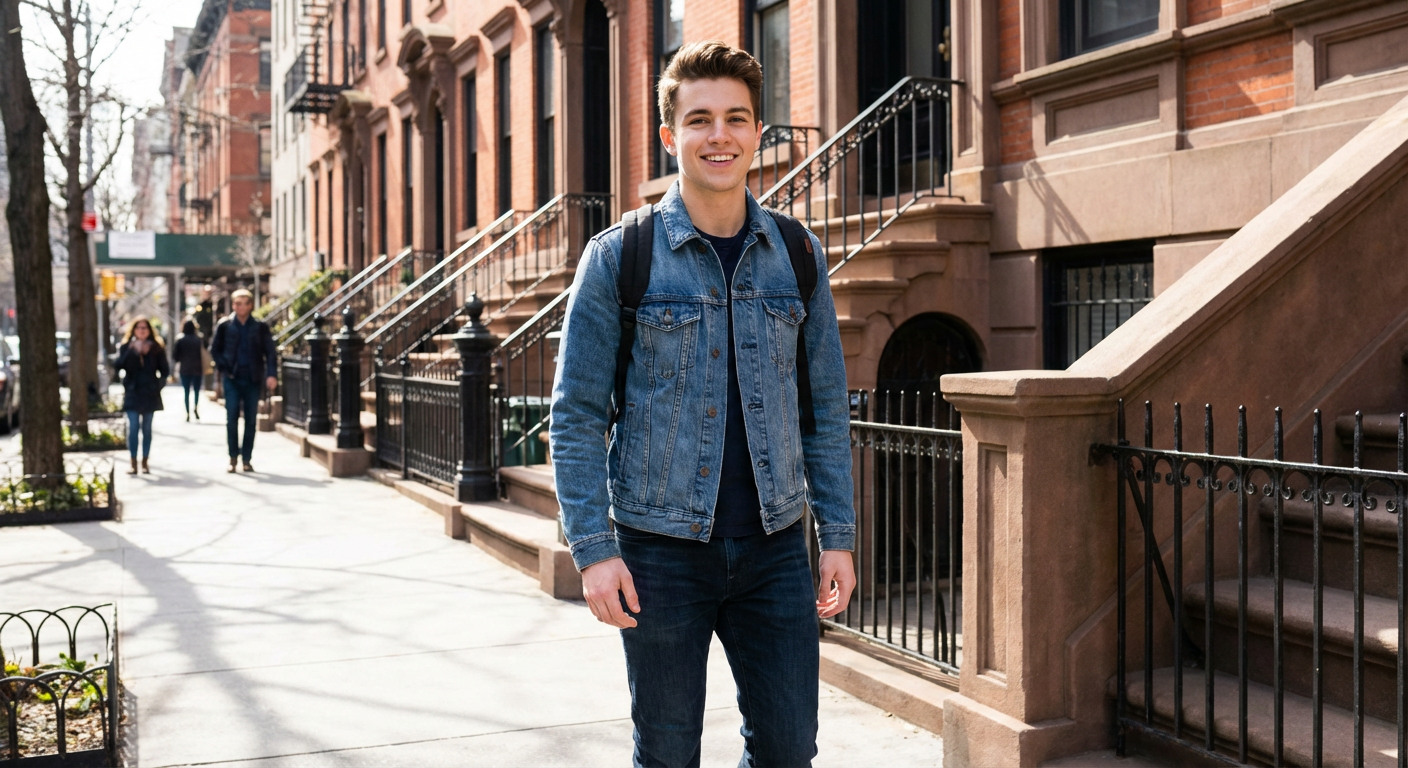
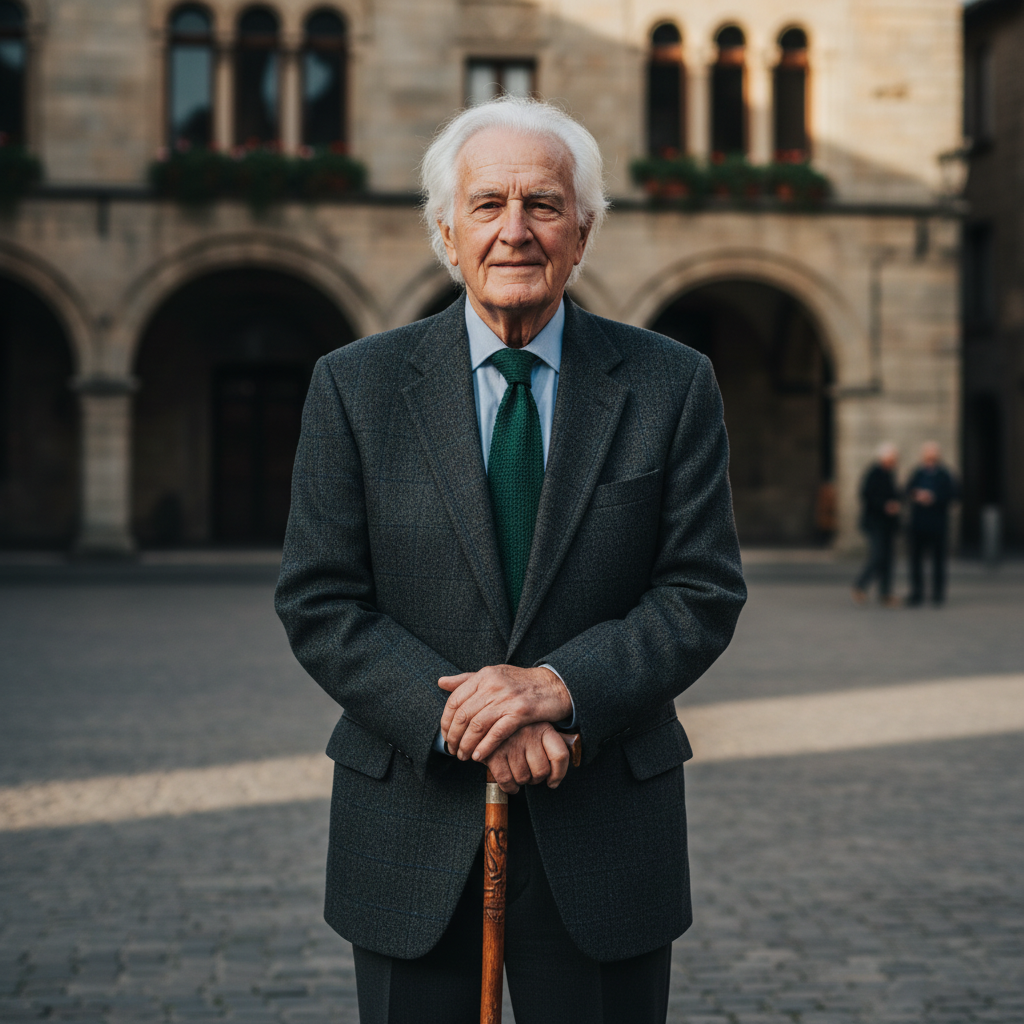
Motion Control AI is an advanced motion control AI platform that converts static images into dynamic videos using reference-guided motion. Powered by Kling 2.6, it enables precise control over body movement, facial expressions, and camera motion by analyzing motion reference videos and intelligently applying them to image-based characters.
This approach allows creators to achieve realistic animation without manual keyframing or complex setup, making free motion control accessible to both beginners and professionals.
What Is Kling 2.6 Motion Control AI?
Kling 2.6 Motion Control AI is the latest generation of Kling motion technology designed specifically for accurate motion transfer in image-to-video generation. It follows reference motion videos frame by frame, allowing static images to animate with natural movement while preserving character identity and visual consistency.
Compared to earlier versions, Kling 2.6 offers more stable tracking, smoother motion execution, and higher realism across both full-body and half-body animations.
How Is Kling 2.6 Different from Other Image-to-Video Models?
Kling 2.6 introduces major improvements in motion control AI, particularly in character consistency and motion accuracy. Unlike older image-to-video models that often caused facial distortion or unstable movement, Kling 2.6 maintains subject identity while closely following reference motion inputs.
This makes Kling AI especially effective for realistic human animation, expressive gestures, and camera-aware motion generation.
What Image Settings Produce the Best Motion Control Results?
For optimal results with Kling 2.6 motion control, use high-resolution images (at least 1080p) with clear lighting and a well-defined subject. Full-body or half-body images with sufficient background space work best, as they allow motion to unfold naturally within the frame.
Avoid heavily cropped images, extreme camera angles, or scenes with multiple subjects, as these can reduce motion tracking accuracy.
Can I Use Motion Control AI Videos for Commercial Projects?
Yes, AI-generated videos can be used commercially as long as you own or have permission to use the original image and motion reference content. Kling motion AI does not transfer copyright ownership, so responsibility remains with the creator.
Some plans include expanded commercial usage rights. Always review the platform’s terms of service and applicable copyright regulations before commercial distribution.
How Fast Is Video Generation with Kling Motion Control AI?
Video generation time depends on motion complexity and duration. In most cases, a short video (around 5 seconds) is generated within 1–2 minutes. More complex or longer motion sequences may take several minutes to complete.
Users on higher-tier plans benefit from priority processing, significantly reducing wait times for motion control AI generation.
Does Kling Motion Control AI Support Facial Expression Changes?
Yes. Kling 2.6 motion control is highly effective at generating natural facial expression changes when supported by suitable motion references. Subtle expressions such as eye movement, mouth motion, and head tilts are accurately transferred while preserving facial identity.
This makes Kling AI particularly well-suited for character-driven animation and realistic human motion.